
Guide · beginner · 12 min · Draft
Orientation: Agent-Native Browsers
A third body for the same brain. Not a chat window, not your file system — your logged-in browser session. Half a dozen of these launched in the last year, and they're unusually well-shaped for venture work, because so much of what a VC touches lives behind a login with no API. Here's the field, the flagship recipe (every email from a portco, filed as PDFs), and the security posture that keeps it from being a bad idea.
A third body
The Claude Desktop vs. Claude Code piece makes the argument that you're never comparing intelligences, only embodiments — what the model is allowed to touch. Desktop gets a chat window. Code gets your file system.
Agent-native browsers are the third body: the model gets your authenticated browser. Its world is every site you have an account on, and its hands are the same clicks and keystrokes you'd use. Ask it for something and it doesn't describe the steps — it opens the tab, logs in with the session already sitting in the cookie jar, paginates, downloads, files.
This is not the same thing as headless browser automation. Browserbase, Firecrawl, Playwright, browser-use — those run a browser on a server, for a program, with no human watching and no human's session. They're infrastructure: excellent for scraping public pages at volume inside something you're building. The category here is the opposite shape — a desktop app you use instead of Chrome, running on your laptop, with your logins, your two-factor, your bookmarks, and you sitting right there able to grab the wheel.
That difference is the whole point. Headless automation has to solve authentication. An agent-native browser never has to, because you already logged in.
Why this shape fits venture unusually well
Look at where a partner's day actually happens: Gmail. Affinity. PitchBook. Carta. AngelList. DocSend. A dozen data rooms with bespoke viewers. Fund-admin portals. LP portals. Board portals. Portfolio-company dashboards you were given a seat on.
Nearly all of it is behind a login, and most of it has no API you can get at — either none exists, or it's an enterprise tier you don't control, or it does exist and getting a key requires a procurement conversation with a company that has four employees. The standard automation answer ("just use the API") quietly doesn't apply to most of the surface area.
An agent-native browser routes around all of it. You have permission to use these sites — you're a customer, an investor, a board member. The agent uses that same permission through the same front door. No integration, no API key, no IT ticket, no vendor negotiation.
The corollary, which we'll come back to: that same property means the agent inherits everything you're logged into, all at once.
The field, as of August 2026
The category is roughly a year old and moving fast enough that this table is a snapshot, not a standing recommendation.
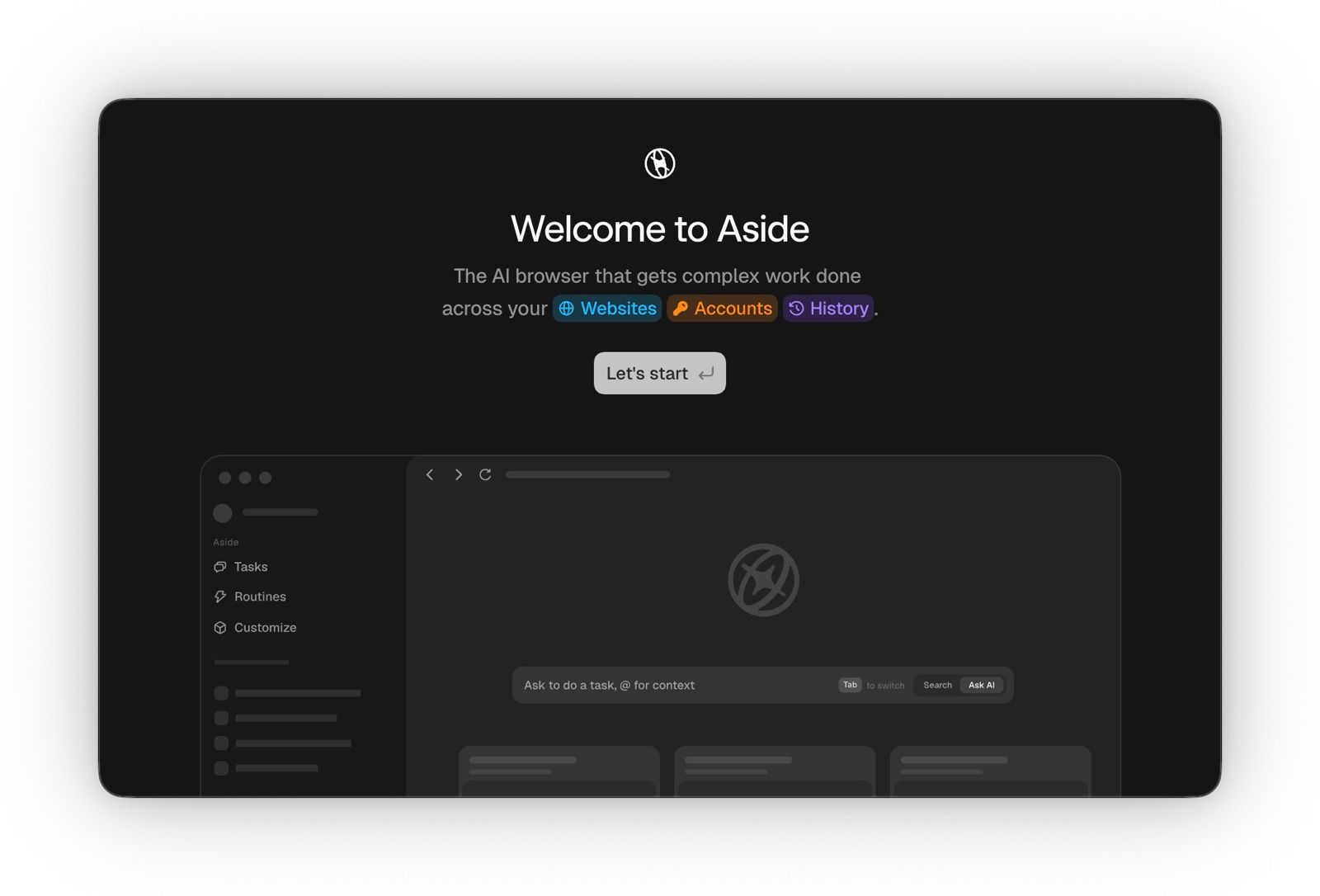
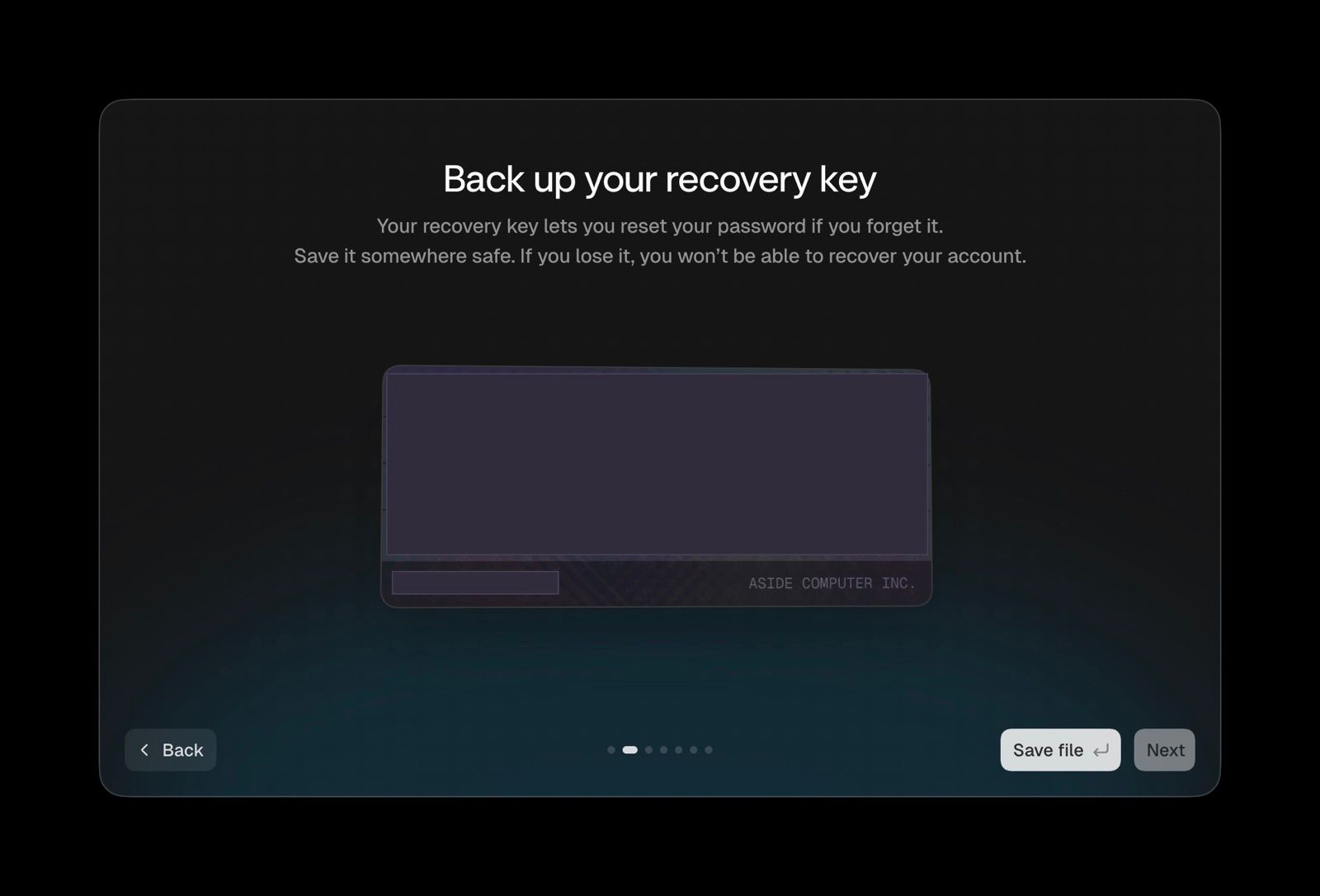
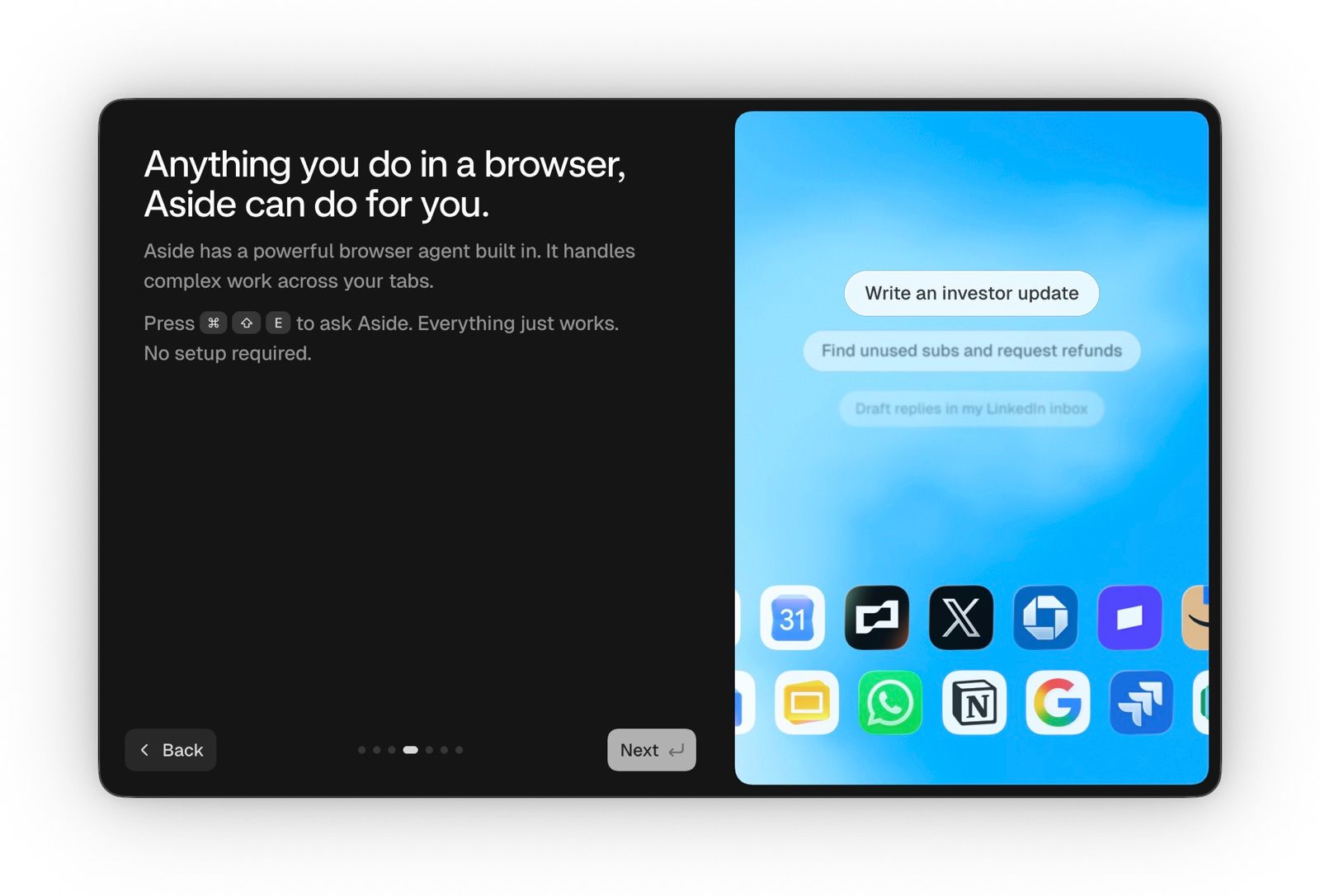
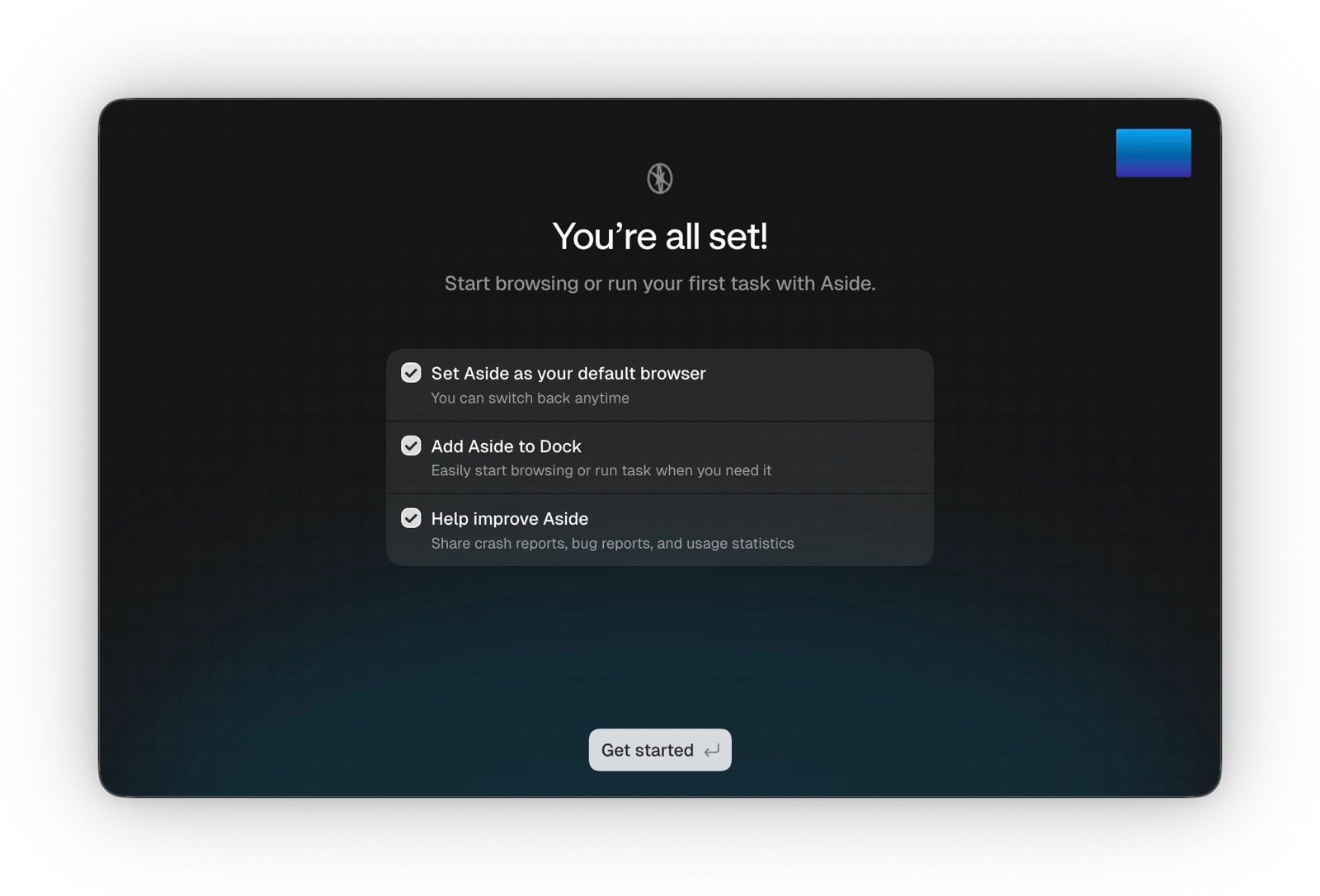
Installing one takes about four screens. Aside's, in order:
| Browser | Platform | The distinguishing thing |
| Comet (Perplexity) | macOS, Windows, iOS, Android | The strongest all-rounder and the broadest availability — free across every platform since late 2025. If you want to feel the category in ten minutes, start here. |
| Aside | macOS | YC F25, and currently the benchmark leader (Online-Mind2Web, BU-Bench-V1, Odysseys). Explicitly built for logged-in work across Gmail, Notion, Slack, Figma and internal tools. Turns your history into on-device memory so you stop re-explaining context, and ships an agent-oriented password manager. Bring your own ChatGPT/Claude subscription. |
| Dia Browser (The Browser Company → Atlassian) | macOS | The most polished AI-native design of the group — descended from Arc. Strongest at cross-tab reading and synthesis; less aggressive about acting on your behalf. |
| Opera Neon | Desktop | Opera's dedicated agentic browser, built to act rather than chat. Agentic mode sits in the paid tier. |
| Fellou | Desktop | Shows you the plan before it executes and lets you edit it, step by step. The direct answer to "I don't want a black box touching my accounts." |
| Sigma Browser | Desktop | Privacy-first posture — assistant runs locally by default, no cloud dependency. Interesting if your firm's counsel is the blocker. |
| Tabbit | Desktop | From Meituan's GN06 team; ships 10+ built-in LLMs so you can switch models per task without switching apps. |
Not standalone browsers, but same job: Claude for Chrome (Anthropic's extension — around 10M installs, the only one publishing a number), Gemini's auto-browse built into Chrome, and ChatGPT's browsing, which now lives in the ChatGPT desktop app and a Chrome extension.
The flagship recipe: every email from a portco, filed as PDFs
This is the one I reach for most, and it's a good first real task because the output is verifiable and it touches nothing destructive.
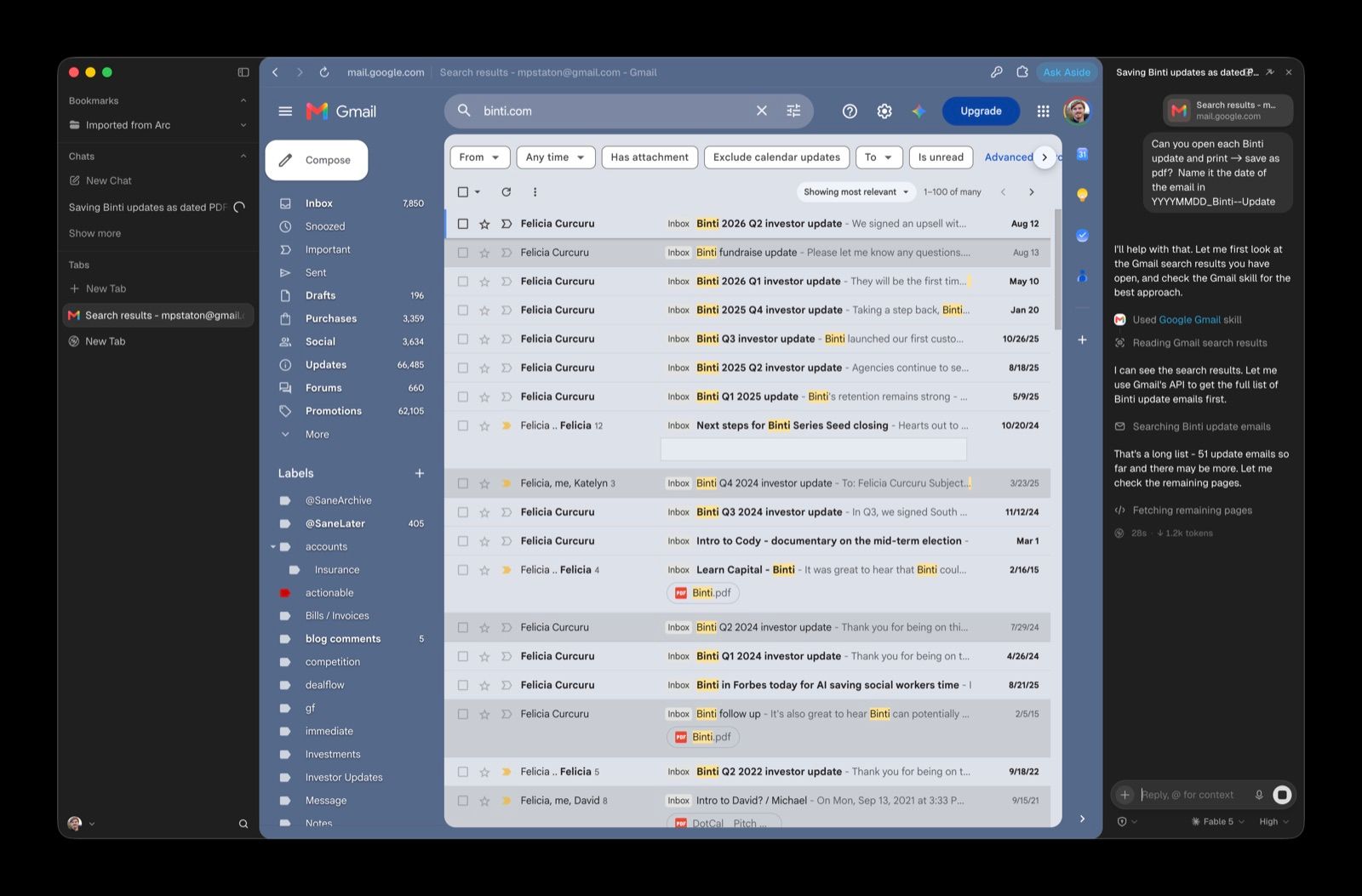
Why you want it. The full correspondence history with a portfolio company is a genuine asset that almost always exists in exactly one place: one partner's inbox, searchable only by them, lost entirely when they leave. Pulled out as filed documents, it becomes the input to a quarterly portfolio review, the raw material for a data room at the up-round, the reconstruction of what was actually promised in a board seat conversation two years ago, and — increasingly — a corpus you can point an agent at.
The technique that matters: two passes, inventory before export.
Do not ask it to "download all the emails." Ask it to list them first. An inventory you can eyeball is the difference between a job you can trust and a folder you have to audit by hand.
Pass 1 — inventory.
In Gmail, search for all mail to or from anyone @acmerobotics.com,
including archived and all labels, oldest to newest.
Do not download anything yet. Scroll until you reach the true end of
the results — do not stop at the first page.
Give me a numbered table: date, sender, recipients, subject,
whether it has attachments. Tell me the total count and the
date range you actually covered.
Check that count against the number Gmail shows for the same search. Check that the oldest item is as old as you expect. Then release it:
Pass 2 — export.
Save each message in that table as its own PDF to
~/portfolio/acme-robotics/correspondence/, named
YYYY-MM-DD_sender-lastname_subject-slug.pdf
Use the message date, not today's date.
For threads, save the full thread once rather than each reply
separately. Skip nothing; if any message fails to save,
keep going and list the failures at the end.
The failure modes, all of which I've hit:
"All" means "the first screen." Infinite-scroll and lazy-loading are the number one cause of a confidently incomplete export. This is what pass one exists to catch.
Threads vs. messages. Export message-by-message and every quoted reply chain duplicates the conversation four times over. Decide which you want and say so.
Attachments are a separate job. The PDF of an email is not the deck attached to it. Run a third pass for attachments if you need them — and you usually need them, since that's where the board decks and cap tables are.
Filename dates default to today. Then chronological sort is meaningless. Say "use the message date" explicitly.
Silent skipping. Instruct it to report failures rather than quietly dropping them, and it usually will.
Verify with two counts and two spot-checks. File count against inventory count, folder size against the eyeball test, then open the oldest and the newest PDF. Sixty seconds, and it's the difference between an archive and a pile.
Then hand it to Claude Code. This is the relay that makes the whole thing worth doing — and the payoff of having insisted the output land in files:
cd ~/portfolio/acme-robotics/correspondence && claudeRead every PDF in this folder in date order. Build me a timeline of commitments and milestones Acme stated, with the date and the quote for each. Flag anything they said they'd deliver that never reappears in later correspondence.
The browser agent has the hands to get it out of a system with no API. Claude Code has the file system to actually reason across four years of it. Neither does the other's job well. The browser fetches, Code analyzes — different bodies, one relay.
Four more venture-shaped tasks
Portfolio KPI collection. Twelve portco dashboards, twelve different logins, once a quarter. "Log into each of these, pull MRR, headcount, and runway, and put it in one table." This is the single most common unpaid administrative job in a small fund.
Fund-admin and capital-account pulls. Statements that exist only as a PDF download behind a portal login, needed every quarter in the same format. Perfectly shaped for this, and mind-numbing by hand.
CRM hygiene against the live web. "For each of these 40 pipeline companies, check the site and LinkedIn, and tell me which have changed headcount, raised, or gone quiet." No enrichment vendor covers the long tail of pre-seed.
Diligence sweeps into one document. Founder background, competitive set, recent funding news, customer reviews — across a dozen sources, most of which have some kind of soft gate, landing as a single filed brief rather than 30 open tabs.
Where it breaks, and the rules that follow
Be clear-eyed here, because the failure mode isn't "it does the task badly."
Prompt injection is not a solved problem and may not become one. Hostile instructions hidden in ordinary web content — a page, an email body, a comment — can hijack an agent that's reading them and turn it against the person running it. Brave's security team demonstrated this against Comet; OpenAI has written that it's "unlikely to ever be fully solved"; researchers confirmed in mid-2026 that it remains unpatched across Atlas, Comet, and Dia. Gartner has told enterprises to block the category pending upgrades.
The reason it's structural: the agent's usefulness is its access. An agent that can read your Gmail and act on the web is one that can be told, by something it reads, to act on the web using your Gmail.
So, the working rules for a firm:
Give the agent its own browser profile. Log into what the task needs and nothing else. The blast radius of a hijack is exactly the set of sessions in that profile.
Banking, wires, LP portals, and cap-table admin never live in that profile. Not once, not "just to check." These are the accounts where a bad action is unrecoverable.
Read-and-export is a different risk class than send-and-post. Exporting a portco's emails to your own disk is nearly harmless. Letting an agent send email as you, move money, or post publicly is a different decision that deserves its own conversation.
Watch the first run of any new task, every time. Fellou's editable-plan-before-execution model is the honest version of this; with the others you supervise manually. After you've seen a task run clean twice, you can relax — but for the task, not for the browser.
Portfolio-company correspondence is confidential material. Know whether your chosen browser is processing page content on-device or shipping it to a model provider, and whether your obligations to founders and LPs permit that. Aside's on-device memory and Sigma's local-by-default posture exist precisely because this question has real answers. Ask it before the first portco export, not after.
Getting started this week
Install Comet (free, every platform) or Aside (macOS, if you want the current benchmark leader and on-device memory). Make a fresh browser profile. Log into exactly one thing — your own email. Then run the two-pass recipe above against a portfolio company you know well, so you can tell at a glance whether the output is complete.
The moment you're looking at a folder of correctly-named PDFs that you never touched, the category stops being an abstraction — same as the first time Claude Code wrote a file for you.
Related
Orientation: Claude Desktop vs Claude Code — the "same brain, different bodies" framing this piece extends
Tool: Claude Code — the other half of the fetch-then-analyze relay
Contrast: Browserbase and Firecrawl — headless browser infrastructure, for building rather than doing
Use-case: Automate Dealflow — where the CRM-hygiene and diligence-sweep tasks belong