
Guide · intermediate · 12 min
One Home Connector for Your Whole Team
Stop connecting every tool to every chat. Add one connector, and let it hold your team's skills, context, memory and tools.
Skip the reading: paste this
You don't need to code this, or even read the rest of this page first. Open Claude Code Pair-program with Claude in your terminal. Claude Code is Anthropic's terminal-native AI coding agent. It reads files, runs commands, edits code, and pairs naturally with git workflows. · 5 members using OpenAI's coding agent across a CLI, a desktop app, IDEs and the cloud, included with ChatGPT plans. Codex is OpenAI's software engineering agent. It runs as an open-source CLI, a desktop app, IDE extensions and cloud tasks, edits and runs code in your projects, and can drive a Chrome browser. It is included with paid ChatGPT plans. · 1 member using


Build me a home connector: a remote MCP server (on Cloudflare Workers unless
I say otherwise) that my team adds once as a connector in Claude and ChatGPT.

Behind it:
- A version-controlled document store as the shared record: a git repo on
  Cloudflare Artifacts by default, or on GitHub or GitLab if I name one.
  Lay it out as:
  context-v/ (thesis, portfolio, people), context-v/agent-skills/ (our
  playbooks as SKILL.md files, served as MCP prompts), docs-v/, changelog-v/,
  and memory-v/ (notes agents add). Keep to these names; each -v folder has a
  README saying what goes in it. Every write is a commit under the person's
  name. Tools only add or append; nothing deletes without approval.
- Proxied tools: our CRM and wiki behind the same connector, each with its own
  stored credential that never reaches the chat.
- Sign-in per person, and a simple permission table: who can read or write each
  folder and each tool, and which actions need a human to approve.

Start with the repo and the read/write tools, deploy it, and walk me through
adding it in Claude. Then add one tool at a time.

For the full context, the reasoning behind each choice and the order to build
in, read https://fullstack-vc.com/guides/one-home-connector/
Then let it work, answer its questions, and test as it goes. The rest of this page explains what you just asked for, and why.
The problem every team has right now
Watch how a team actually uses Claude or ChatGPT today:
Every tool is its own connector. The CRM is one, the wiki another, email a third. Each person adds them separately, logs in separately, and ends up with a different set.
Every connector holds one account. Connect Google Drive and you're connected to one Google Drive. The firm's drive, your personal drive and the fund's shared drive for a co-investor can't all sit behind it. The same goes for email, calendars and the CRM.
Connectors lack context. A firm might keep deal data in a CRM, a spreadsheet and a wiki all at once. Nothing tells the model which one to read for which data, which one to create the work in, or the standards for doing the work the way your firm, and you, do it. So it guesses.
Every person keeps their own skills. One partner has a great memo prompt; the associate has a different one; nobody has the same playbook.
Every AI app keeps its own memory. Claude remembers some things, ChatGPT others, your personal agent a third pile. None of them can see the others', and you can't easily see any of it.
So nothing spans them. No agent can do the obvious job: "Find this company in our CRM, pull our research note from the wiki, and draft the follow-up." Each piece sits behind a different door.
The proposition: one connector, and it manages everything else
A home connector is one connector your whole team adds, once. Behind it are four things:
| Behind the door | What it is |
| Skills | The firm's playbooks: how we write a memo, how we log a founder call, how we prep for IC. The same for everyone, served to every chat. |
| Context | The thesis, the portfolio, who's who, how the firm works, and which tool holds what: where to read deal data, where to create the memo, which account to use. Written once instead of re-explained in every chat. |
| Memory | What the team's agents learn, kept as plain files with full history. Nothing is lost, and any mistake can be undone. |
| Tools | The CRM, the wiki, project tracker, email and calendar, reached through the one door, with as many accounts as you need (the firm's drive and your own). Each has its own permissions: who can read, who can write, what needs a person to approve. |
The connector does the managing. Logins to the other tools live inside it and never reach the chat. Permissions are set once, for everyone. When the firm improves a skill, everyone gets the better version the next time they ask.
This isn't a someday idea
We run this today. We're The Lossless Group, and Michael Staton builds and runs these connectors for the firms we work with.
Three firms, one connector each. Palmer AI, The Water Foundation and Lossless each add a single connector in Claude. Behind it are the firm's self-hosted, open-source tools (Twenty
for CRM, Outline Twenty
A modern, open-source CRM you can self-host, extend with custom objects, and drive from Claude through its API and MCP server.
Twenty is an open-source CRM built as a modern alternative to Salesforce. It can be self-hosted or used as a cloud service, supports custom objects and fields, workflows and dashboards, and exposes a full API, so agents can read and write records directly. Recent releases add AI agents and skills inside the product.
· 2 members using
for the wiki, Plane for projects) and shared skills. From that one connector, Claude makes tool calls into all of them.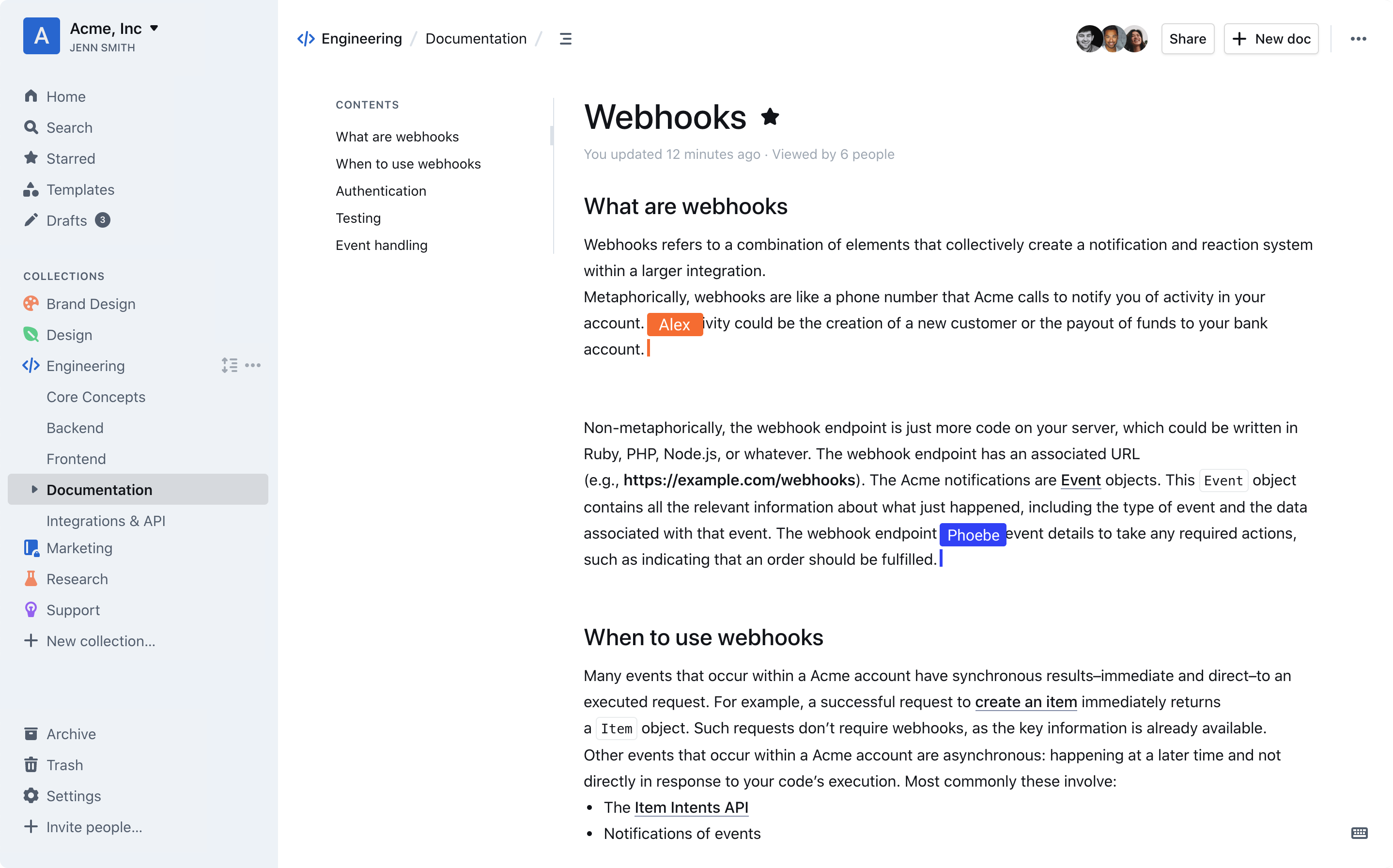
 Outline
A fast, markdown-native team wiki with real-time collaboration, AI search, and a self-hosted option.
Outline is a collaborative wiki and knowledge base built around a fast markdown editor with real-time collaboration, AI-powered search and question answering, Slack integration, and granular sharing/permissions. Available as a hosted cloud product or fully self-hosted (open source) — the self-hosted path matters for firms with confidentiality requirements around internal docs.
· 1 member using
A team's shared files. event-hog
gives a team working a conference one shared workspace. In October, three people ran an event from Claude: every contact, note and slide they logged became a saved change under their own name, and the whole team saw it.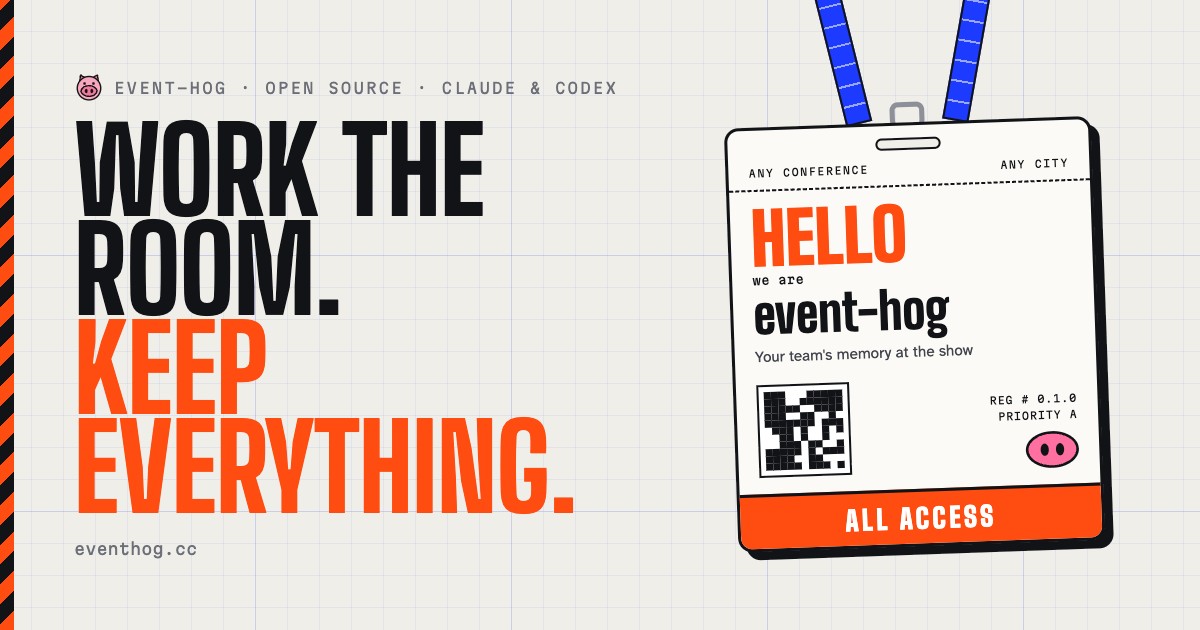 event-hog
A connector that gives a team one shared notebook at a conference, inside Claude, ChatGPT, Cursor or Codex.
event-hog is an open-source MCP connector built by Lossless Group. A team working a conference logs who they met, captures slides and notes, and drafts follow-ups from inside Claude, ChatGPT, Cursor or Codex; everything lands as files in a shared git repository on Cloudflare, so each change is attributed and reversible.
· 1 member using


What we're adding next is the team's context and memory as shared files behind the same connector, which is the part that has just become easy.
 lossless.at
99 open-source tools mapped to what they replace, self-hosted for a firm and reached from Claude through one connector.
lossless.at is Lossless Group's self-hosted stack for investment teams: open-source tools such as Twenty for CRM, Outline for the wiki and Plane for projects, deployed for each firm, managed by agents and free of per-seat licensing. Each firm reaches its stack from Claude through a single connector.
- event-hog
A connector that gives a team one shared notebook at a conference, inside Claude, ChatGPT, Cursor or Codex.
event-hog is an open-source MCP connector built by Lossless Group. A team working a conference logs who they met, captures slides and notes, and drafts follow-ups from inside Claude, ChatGPT, Cursor or Codex; everything lands as files in a shared git repository on Cloudflare, so each change is attributed and reversible.
· 1 member using

 Context Vigilance
A context-v/ folder in every repo, and the habits that keep it true, so agents and people work from the same versioned context.
Context Vigilance is Lossless Group's convention and plugin for keeping a project's context (specs, plans, prompts, reminders, agent skills) in a versioned context-v/ folder that coding agents read and maintain. It's the source of the -v folder names used behind a home connector.
Give it direct API access, not just connectors
Most services your firm uses have an API: a documented way for software to read and write their data. Most non-developers have never needed to look up the API docs or use the API, and for good reason: it's complicated. But for your AI, it's as easy as riding a bicycle.
A connector (an MCP server the vendor publishes) is usually a limited subset of what the API can do: the handful of actions most people use most often, picked by whoever built it. That's why connectors can feel limited. With direct API access, the possibilities expand dramatically.
Give the model the API documentation and authorized access (a key that lives in the connector, never pasted into the chat), and it can do anything the API allows: bulk-update records, build custom views, move data between tools, answer questions no connector anticipated. Models read API docs fluently and write the calls themselves.
Good places to start:
Twenty
, the open-source CRM, has a full REST and GraphQL API.A modern, open-source CRM you can self-host, extend with custom objects, and drive from Claude through its API and MCP server.
Twenty is an open-source CRM built as a modern alternative to Salesforce. It can be self-hosted or used as a cloud service, supports custom objects and fields, workflows and dashboards, and exposes a full API, so agents can read and write records directly. Recent releases add AI agents and skills inside the product.
· 2 members using
Affinity
, the relationship CRM many funds use, has an API for lists, organizations, people and notes.
 Affinity
Relationship-intelligence CRM built for VC and PE: captures emails and meetings automatically and maps who knows whom.
Affinity is a CRM for private capital firms. It builds records automatically from email and calendar data, scores relationship strength across the firm's network, and supports deal sourcing and pipeline management, with AI features for meeting notes and research.
· 1 member using
Linear
has a GraphQL API for projects and issues. Linear
Fast issue tracking and project planning, increasingly built for teams working alongside AI agents.
Linear is an issue-tracking and product-planning tool known for its speed and keyboard-driven design. It is built for planning and building products with AI agents, with an API and integrations that let agents create and update issues.

Start with a read-only key, so the model can look but not change anything. Add write access once you trust what it does, and require approval for anything that deletes or sends.
This is where a home connector earns its keep: the API keys and docs for every tool live behind the one door, and each person gets the access their permissions allow.
What it needs: a version-controlled document store
Skills, context and memory only work as shared files with full history: who changed what, when, and the ability to undo it. That means a version-controlled document store, which in practice means git. Any git host will do:
| Option | Good for |
| Cloudflare Artifacts | Our recommendation. Easy, cheap and invisible to the team (see below). |
| GitHub | Teams that already use it; private repos are free, and developers can work in the same files. |
| GitLab | Teams on GitLab already, or that want to self-host it. |
| Bitbucket, Azure Repos | Firms whose IT already standardized on Atlassian or Microsoft. |
| Gitea or Forgejo | A small git server you run yourself, if the files must stay on your own machines. |
The connector talks to whichever you pick. Your team never needs to know which it is.
Why now: Cloudflare Artifacts makes it easy, cheap and invisible
The catch with GitHub or GitLab has always been that they're developer tools: accounts, logins and a website business users never open and shouldn't have to. Cloudflare DNS, CDN, and security for a fifth of the web — plus Workers, R2, and an increasingly serious edge-AI platform. Cloudflare runs the network layer for a huge share of the internet — DNS, CDN, DDoS protection, and zero-trust security — and has built a full developer platform on top: Workers (edge serverless), R2 (S3-compatible storage with zero egress fees), D1 (edge SQLite), Durable Objects, and Workers AI for running models at the edge. Its AI-era moves matter to anyone watching the space: AI crawler controls and pay-per-crawl give publishers leverage over model companies, and its agents SDK targets the emerging agent-runtime layer. · 1 member using

Easy. No accounts for your team. Each repository lives behind its own address with its own access tokens, and the connector holds them.
Cheap. It comes with Cloudflare's $5-a-month Workers Paid plan.
Invisible. Claude or ChatGPT reads and writes the team's files through the connector, every change is recorded under the person who made it, and nobody ever sees a repository.
Best with Workers. Run the connector itself on Cloudflare Workers and the server and the files sit side by side on one account, with no other hosting to manage.
You can still mirror the repository to GitHub if your developers want to work in it.
Use our folder names
You don't have to, but we recommend it, and it's how we work. Inside the home repository:
| Folder | Holds |
context-v/ | The thesis, portfolio, people, specs and plans |
context-v/agent-skills/ | The shared skills, one folder each with a SKILL.md |
docs-v/ | Documentation for people and agents |
changelog-v/ | Dated notes on what changed and why |
memory-v/ | What the agents learn and save |
Why the odd names? Words like "context", "docs" and "memory" appear in millions of repositories, each organized a different way. A model that finds a plain memory/ folder can guess any of a hundred layouts. The -v suffix is ours. It marks the folder as following a specific convention, and it tells the model there's a pattern here to find and keep to. Put a short README in each -v folder saying what goes in it, and even a model that has never seen the convention learns it from the repository.
Build it in this order
The files first. Get the repository and the read and write tools working, and add the connector in Claude. Ask it to save a note, then ask a fresh chat to find it.
Then your skills. Move the firm's best prompts into
context-v/agent-skills/. Try one from a teammate's chat.Then context. Write the thesis and the portfolio list once, in
context-v/.Then tools, one at a time. Start with the one your team uses most, usually the CRM. Give it read access first; add writing once you trust it.
Then people. Add teammates, set who can write where, and decide which actions need someone to approve them.
The rules that keep it safe
The files are the record. If the CRM and the files disagree, the files win, and you can see why from their history.
Tools only add. Agents append and commit; nothing deletes without a person approving it.
Logins stay in the connector. No password or API key is ever pasted into a chat.
Every change has a name on it. Each write is saved under the person whose chat made it, so you always know who changed what.